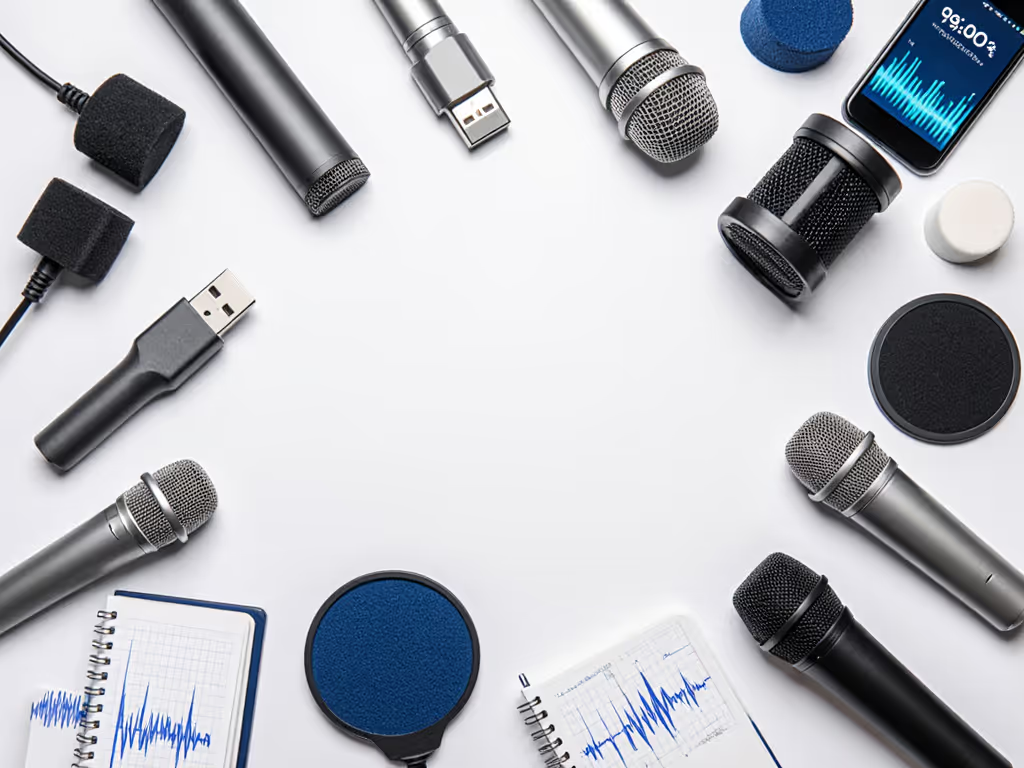
Learn when to choose a USB headset or a desktop mic for speech recognition, with placement tips, feature trade-offs, and a quick A/B test to confirm fit.
Choose between binaural and Ambisonics, define the headphone render, and test a 60-second workflow to capture, convert, and deliver reliable 3D podcast audio.
Learn how to choose and test mics that beat traffic, HVAC, and office noise. Prioritize dynamic cardioids, smart placement, and level-matched comparisons.
Optimize an ASL interpreter mic to keep signing clear and face unobstructed. Get off-axis placement, noise control, and repeatable checks for consistent audio.
Choose vintage-look mics that sound great in real rooms. Compare USB vs XLR, pick dynamics wisely, and map upgrades with setup tips for warm, clear voice.
Learn a simple, repeatable mic setup for classrooms: choose the right room, use dynamic USB mics, set fist-width distance, and monitor gain for clear voices.
Learn practical mic placement, room tweaks, and gain settings to tame CPAP hum and capture clean, repeatable podcast audio without heavy post-production.
Learn how to capture clear voice audio for ASL without blocking signing: pick wireless lavs, perfect placement, streamline workflow, and plan upgrades.
Learn how to capture whisper-to-roar vocals cleanly by fixing the room, choosing dynamic mics like the RE20, and setting gain for headroom - no post needed.
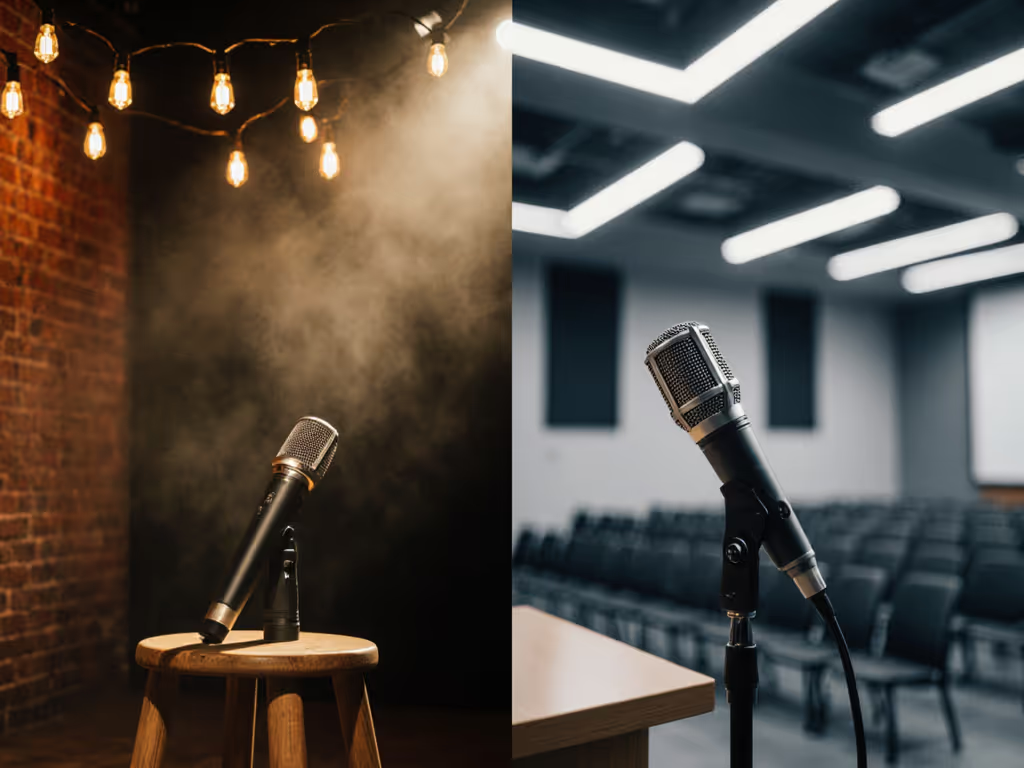
Compare comedy and lecture mic choices and room fixes: pick dynamic vs condenser using SPL and proximity cues, with gain targets and chains for clean audio.
Learn how the MV7+ delivers broadcast-quality voice in noisy, untreated rooms with strong isolation, plosive control, smart auto gain, and USB/XLR flexibility.
Capture cleaner podcasts at the source: use off-axis mic placement, AI noise-cancelling hardware, and a zero-post checklist to edit less and cut retakes.