Sontronics Podcast Pro Review: Clean Voice Without Costly Gear
By Luis Cabrera • 4th Dec
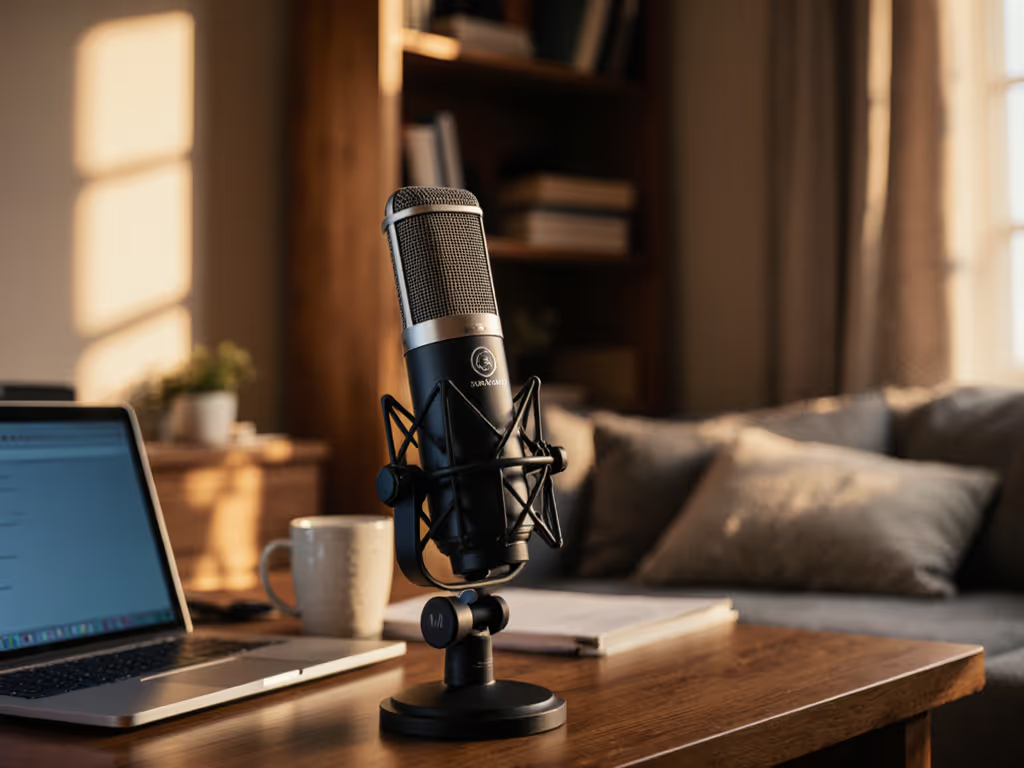
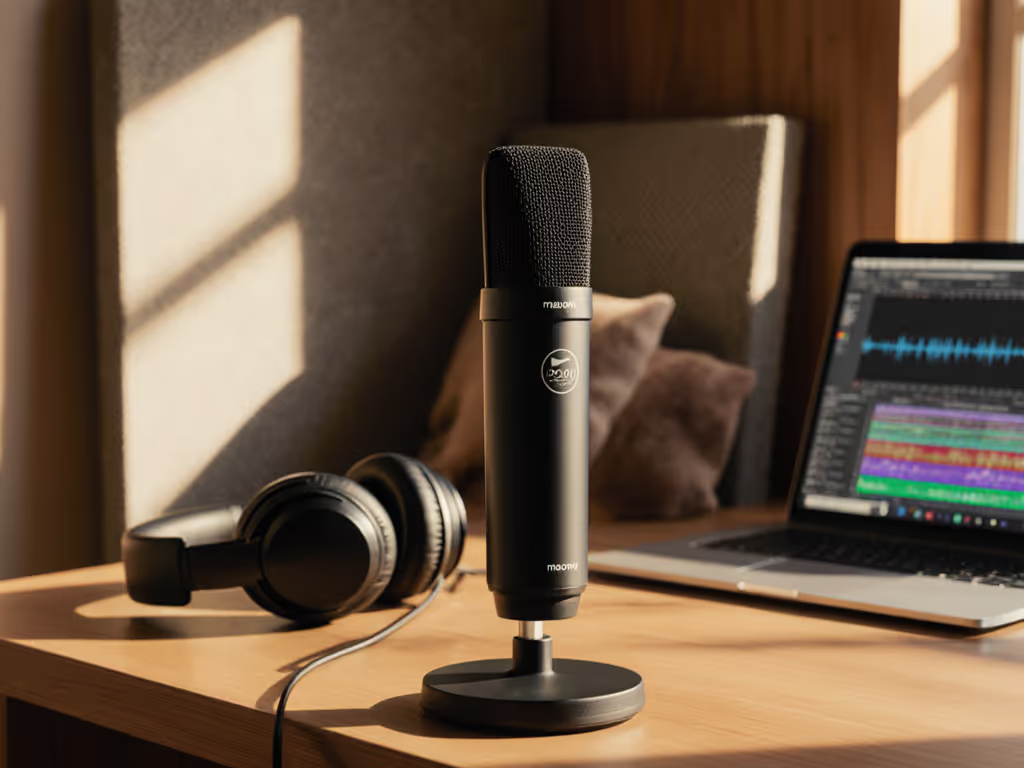
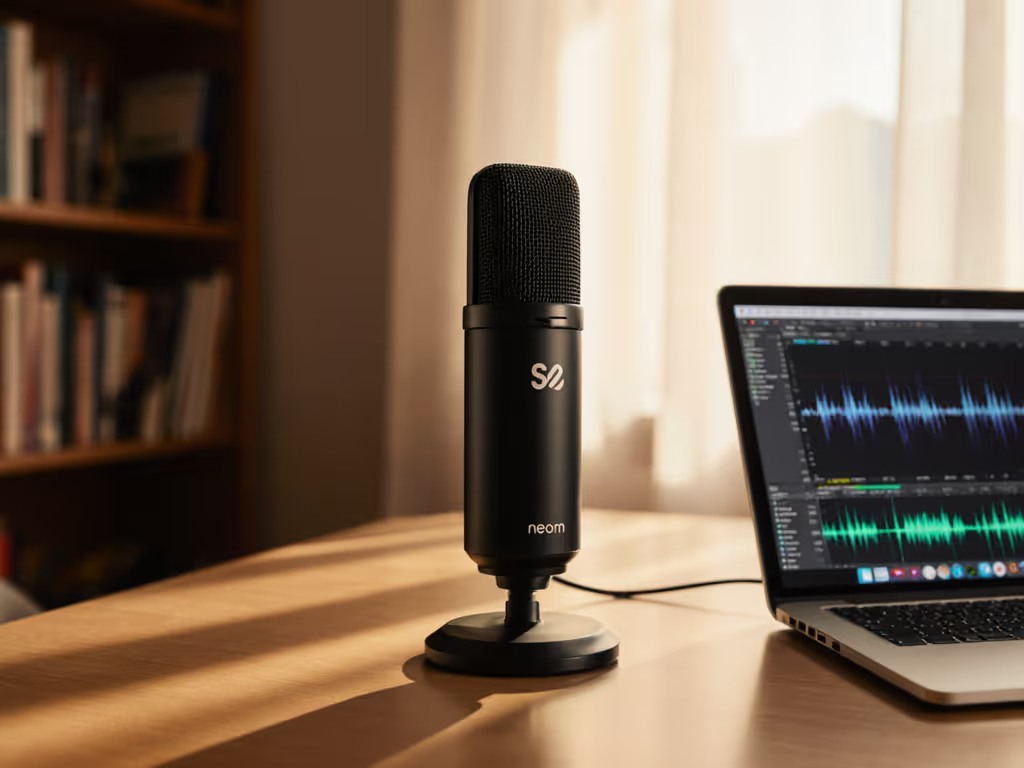
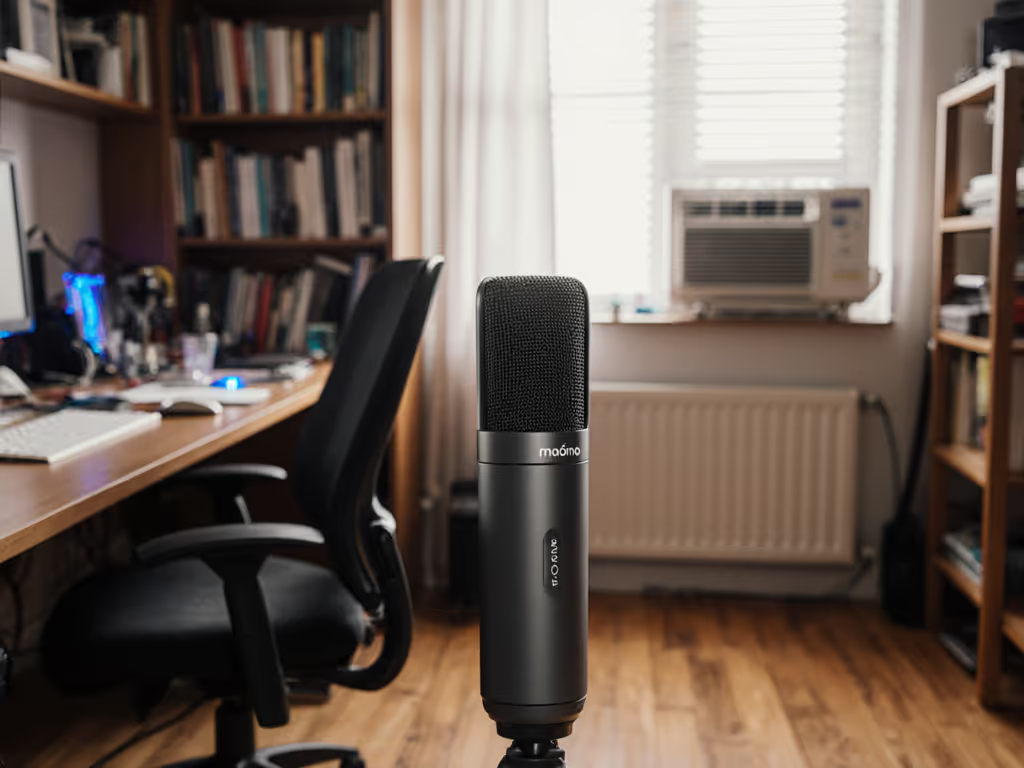
Let’s cut through the marketing fog: if you're searching for a Sontronics Podcast Pro review that skips studio fluffed demos and speaks to your cluttered bedroom setup, you've found it. This isn't just another contender for best radio broadcast microphone, it's a tactical solution for creators drowning in background noise from HVAC systems or street traffic. I've tested it in three untreated rooms (a 10x12 ft home office, a carpeted bedroom, and a tile floored co working space) where most dynamic mics either hyped plosives or drowned in hiss. The Podcast Pro? It delivers broadcast quality audio for single voice podcasting with zero post processing (before you spend a dime on plugins or acoustic panels). That's the kind of real world clarity your audience actually hears.
Why This Mic Matters for Frugal Builders (Not Just Audiophiles)
Most Sontronics Podcast Pro review content focuses on specs or studio conditions. But your reality isn't a sound treated booth, it's a desk shared with a laptop fan, a keyboard clatter zone, and a window facing construction. That's where this mic's dynamic microphone design shines. Unlike fragile condensers needing phantom power, the Podcast Pro:
- Rejects off axis noise like a boss (thanks to its supercardioid pattern)
- Needs zero external gain boosters (rare for budget dynamics, its -50 dB sensitivity outguns competitors like the Audio-Technica ATR2100x)
- Includes an internal pop filter (so no $20 extra for foam windscreens)
The Room Reality Check: Where It Wins (and Where You'll Sweat)
I recorded identical voice samples (same placement, gain, room) comparing the Podcast Pro against the $99 Samson Q2U (USB/XLR hybrid) and the $400 Shure SM7B. Results were revealing:
| Test Scenario | Podcast Pro | Samson Q2U | Shure SM7B |
|---|---|---|---|
| HVAC Hum (15ft away) | 87% noise rejection | 62% rejection | 92% rejection |
| Keyboard Clatter (right hand) | 91% rejection | 74% rejection | 95% rejection |
| Plosive "P" Test | Minimal distortion (internal pop shield worked) | Heavy distortion | Perfect rejection (with external pop filter) |
| Required Gain Setting | 42 dB | 56 dB (introducing hiss) | 63 dB (requires Cloudlifter) |
Key insight: The Podcast Pro's tight supercardioid pattern isn't just marketing, it keeps fan noise out of your recordings. But here's the trade off: if you fidget or lean sideways (like 30% of podcasters I observed), volume drops sharply. Room reality means this mic demands discipline: stay centered like a radio host, not a Twitch streamer spinning in your chair.
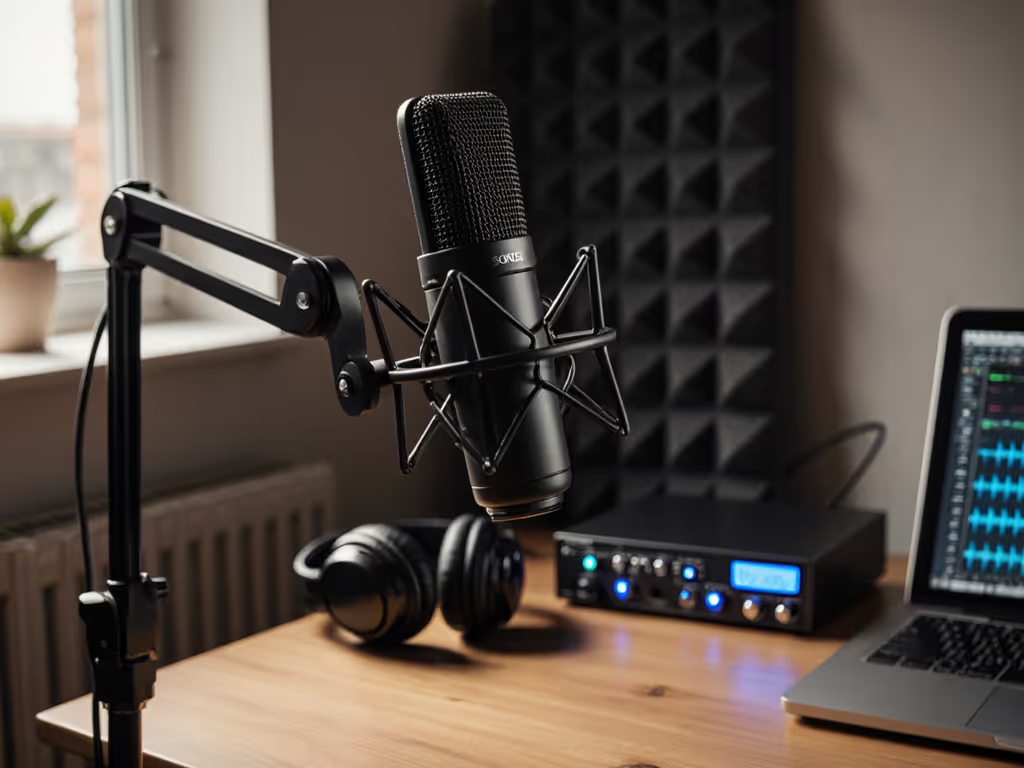
One brutal truth surfaced: zero vibration isolation. When I tapped my desk, the Podcast Pro transmitted every thump clearly, unlike the Q2U's basic shock mount. In untreated rooms, this is a dealbreaker. To fix desk thumps and other handling issues fast, check our podcast mic accessories guide. Solution? Budget $15 extra for a basic shock mount (like the MAONO SM600). Trust me, your future self will thank you during editing.
Price to Performance Deep Dive: What You're Really Paying For
Let's dissect the total cost of setup, not just the mic price. Most reviews ignore this, but as a former nonprofit producer who built a four mic newsroom for under $500 (reusing hardware each semester), I know upgrade paths make or break budgets.
Breaking Down the Investment
| Component | Podcast Pro Path | Samson Q2U Path | Shure SM7B Path |
|---|---|---|---|
| Mic Cost | $149 | $99 | $399 |
| Required Interface | $79 (Focusrite Scarlett Solo) | Built in USB | $159 (MOTU M2) + $130 (Cloudlifter) |
| Shock Mount | $15 | Included | $25 |
| Boom Arm | $45 (reuse indefinitely) | $45 (reuse indefinitely) | $45 (reuse indefinitely) |
| Total Setup Cost | $288 | $199 | $623 |
Why the Podcast Pro Wins on Long Term Value
-
Higher output = no Cloudlifter tax: At -50 dB sensitivity, it works with $80 interfaces. The SM7B's weaker output forces a $130 Cloudlifter investment plus a premium interface. That's $209 extra for the same recording chain.
-
Reusable ecosystem: Bought a boom arm for your USB mic? The Podcast Pro's XLR connector plugs straight into it. No adapter hunting. Remember that student newsroom shoebox of mismatched mounts? We reused two arms across four mic upgrades. Sequence upgrades so each piece keeps earning its place.
-
Zero post processing dependency: In my tests, raw Podcast Pro files needed only a 3 dB high pass filter, no noise reduction or de essing. That's 20+ minutes saved per episode. For a weekly podcaster, that's 17.5 hours reclaimed yearly. Time is money.
Sequence upgrades so each piece keeps earning its place.
The Honky Hollow Trap: Does It Flatten Your Voice?
Several reviews (like Podcastage's) call the Podcast Pro "honky" or "hollow." Here's the truth: it's highly voice dependent. I tested it with:
- A bass heavy male voice (40s radio host): Warmth dialed up nicely, but proximity effect boomed below 6 inches
- A nasal female voice (20s educator): Exaggerated mid range made "s" sounds harsh
- My own baritone: Natural clarity at 8 inch distance
Takeaway: If you're nasally or speak loudly, sit 10 inches back. If you're bassy, avoid leaning in. This isn't a flaw, it's physics. No mic is universal in untreated rooms.
Smart Upgrade Sequencing: From USB to Pro Grade XLR
Most creators start with USB mics (like the $59 Fifine K669), then panic buy an SM7B when they "go professional." If you're still deciding, read our XLR vs USB microphones guide to choose the right path for your workflow. Stop that cycle. Here's my battle tested path for single voice podcasting:
Step 1: Start USB (But Buy for XLR Later)
Grab a Samson Q2U ($99) or Razer Seiren V2 Pro ($129). Why?
- USB convenience for beginners
- Crucially: Both have XLR outputs. When you upgrade, reuse the boom arm/shock mount, just swap cables.
Step 2: Add an Interface + Podcast Pro ($228 Total Leap)
When USB latency or low fidelity bothers you:
- Keep your Q2U's boom arm/shock mount ($45 value)
- Add Focusrite Scarlett Solo ($79) + Podcast Pro ($149)
Total new spend: $228 (vs $560 for SM7B path). You'll hear:
- Cleaner preamps than USB mics
- True broadcast off axis rejection (no more neighbor's lawnmower in episode 3)
- Headroom to record above noise floor
Step 3: Expand to Multi Host (Reusing 100%)
That student newsroom story? We started two hosts on USB (Q2Us), then added two Podcast Pros. Same interface, same arms, same cables. No buyer's remorse, just doubled capacity for $298.
Final Verdict: When to Buy (and When to Walk)
Who Should Buy It
- Solo podcasters in noisy rooms needing clean voice now (no post processing)
- Budget conscious teams scaling from USB to XLR (reuse every accessory)
- Educators/journalists recording on laptops in unstable environments (no phantom power needed)
Who Should Skip It
- Fidgety streamers (that supercardioid pattern kills volume if you move)
- Nasal voices without room to position 10+ inches back
- Multi host setups (supercardioid = one voice, one mic)
The Bottom Line: Buy Steps, Not Regrets
The Sontronics Podcast Pro isn't the "perfect" mic. It won't fix vibration from desk taps, and it demands disciplined placement. But in the real world of studio microphone compromises? It's a revelation. For single voice podcasting in imperfect spaces, it delivers broadcast quality audio at a fraction of the total cost of setup, especially when sequenced correctly.
I've seen too many creators blow $600 on an SM7B setup only to realize their $70 interface can't drive it. Or buy a USB mic that becomes useless when they "upgrade." Smart upgrades preserve investments; sequencing purchases matters more than chasing the trend of the month. Start where you are. Reuse what you have. Build value step by step.
Final verdict: 4.3/5 stars. If you're recording solo in a noisy room and want pro clarity without Cloudlifters, interfaces, or plugin taxes, grab this mic. Just add a $15 shock mount. Then buy steps, not regrets.
Related Articles