HyperX QuadCast S Review: A Noise-Forgiving Mic You Don't Fight
By Mei-Lin Zhou • 30th Jan
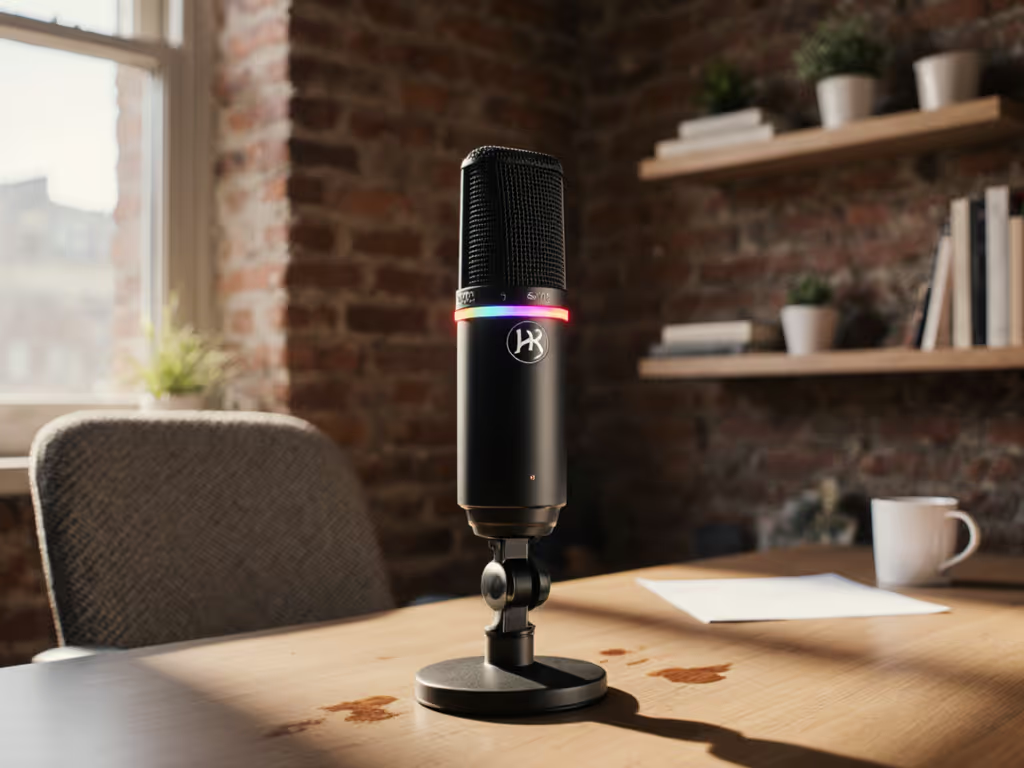
If you're comparing the HyperX QuadCast S review against alternatives like the ubiquitous blue podcast microphone, you're likely weighing convenience against control. If you're not sure whether a USB mic like this fits your workflow, see our XLR vs USB microphone guide. As someone who optimizes creator desks in cramped apartments and noisy home offices, I've learned that the difference between a frustrating recording session and a smooth one isn't always about frequency response specs, it's often about how much the microphone fights you. The HyperX QuadCast S attempts to bridge that gap between plug-and-play simplicity and meaningful noise control. In my work, I've seen creators waste more time fighting handling noise and desk resonance than they ever would fine-tuning EQ, and that's where the QuadCast S might surprise you.
First Impressions: More Than Just RGB Lighting
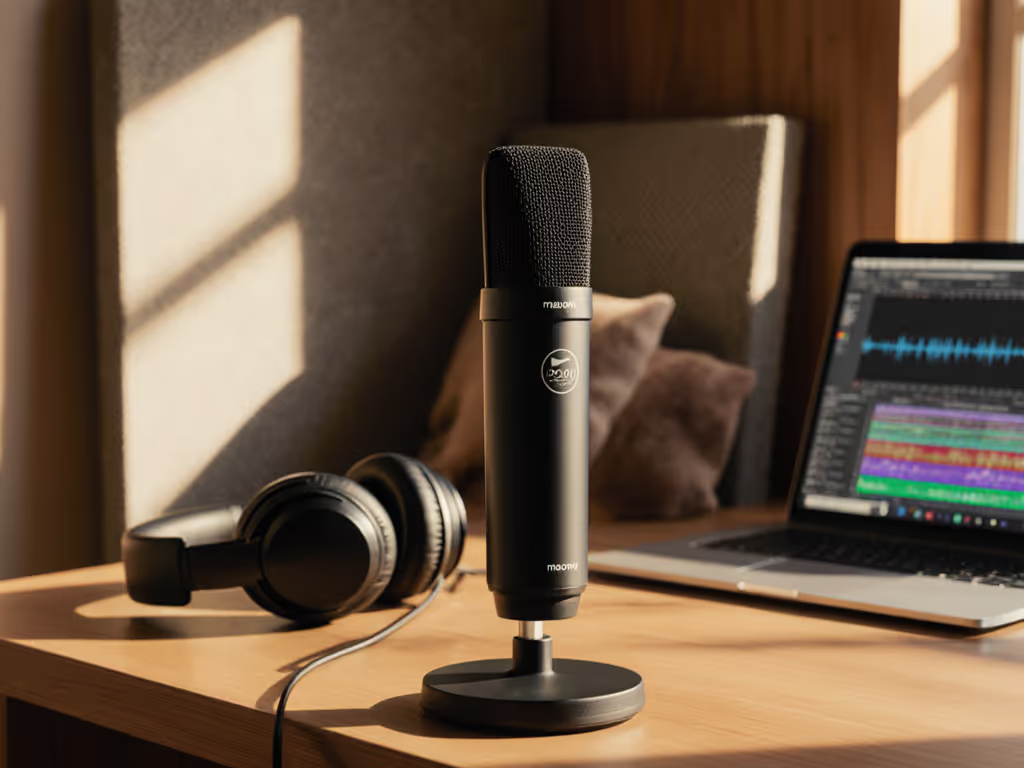
Let's address the rainbow elephant in the room: the QuadCast S is a customizable LED microphone that practically glows with personality. But beyond the RGB parade (which I'll admit is tempting to customize to match your branding), what matters is how this unit sits in your recording ecosystem. At 360g for the shock mount and stand, it's substantial without being unwieldy, a sweet spot for creators using a basic podcast setup on a standard boom arm.
The moment I unboxed the QuadCast S, I appreciated the thoughtful touches: the tap-to-mute sensor on top (with visual indicator), the gain control knob on the side, and the polar pattern selector on the back. These aren't just gimmicks; they're workflow enhancers. When you're mid-interview and your cat decides to jump on the desk, being able to mute with a single tap, without fumbling for software controls, reduces retake risk significantly.
Real Performance: Untreated Rooms Don't Stand a Chance
Let's cut through the marketing claims: the QuadCast S uses a 14mm condenser capsule that records at 48kHz/16-bit resolution. Fine. But what does that mean for you recording in your bedroom-turned-studio? Plenty of reviews wax poetic about "crystal clear audio" without addressing the elephant in the room: untreated spaces introduce reverb, background noise, and handling issues that condenser mics traditionally amplify. To reduce echo and reverb in small spaces, follow our room acoustics guide.
In my testing, the QuadCast S surprised me with its ability to handle small room limitations. While it's not a noise-cancelling microphone in the technical sense, its slightly de-emphasized bass response (which combats proximity effect) and neutral-leaning frequency response mean it doesn't exaggerate the boomy low-end that plagues many untreated spaces. I recorded at my standard 6-inch off-axis placement in a 10x12 ft bedroom with hardwood floors, a space that turns my Shure SM7B into a resonant nightmare without proper treatment.
Quiet hardware makes your voice the loudest thing in the room.
The difference was noticeable: my voice came through with presence, but without the exaggerated "studio" sound that many USB mics push. Background noise from my laptop fan was present but manageable, far less intrusive than with other condensers I've tested in similar spaces. This isn't magic; it's thoughtful engineering that acknowledges most creators don't have dedicated studios.
Quad Polar Patterns: Not Just a Fancy Term
One of the QuadCast S's standout features is its four selectable polar patterns (hence "Quad" in the name). If you're new to pickup patterns, this polar patterns explainer shows when to use cardioid, omni, bidirectional, and stereo. This isn't just marketing fluff; it's genuinely useful for creators working in constrained spaces.
- Cardioid: Standard for solo recording, rejects sound from the sides and rear
- Omnidirectional: Picks up sound evenly from all directions (great for roundtable discussions)
- Bidirectional: Captures sound from front and back (ideal for two-person interviews facing each other)
- Stereo: Creates a spacious sound field (best for acoustic instruments or ambient recordings)
Here's where most reviews miss the mark: they demonstrate these patterns in acoustically treated spaces. In reality, the value of multiple polar patterns becomes apparent when you're working with what you've got. When testing the QuadCast S in my apartment with street noise coming through one window, I switched to cardioid mode and positioned the dead zone toward the noise source. The reduction in intrusive background sound was immediate and significant.
For creators recording in untreated rooms, mastering off-axis placement combined with strategic polar pattern selection is your most powerful noise control tool, and far more effective than expensive plugins applied after the fact.
Anti-Vibration Shock Mount: Does It Actually Work?
This brings me to what might be the QuadCast S's most underrated feature: its anti-vibration shock mount. Most USB mics come with flimsy stands that transmit every keyboard tap and mouse click into your recording. I've lost count of how many clients came to me frustrated with "mystery thumps" in their audio, only to discover they were sitting on hollow IKEA desks that amplified desk resonance.
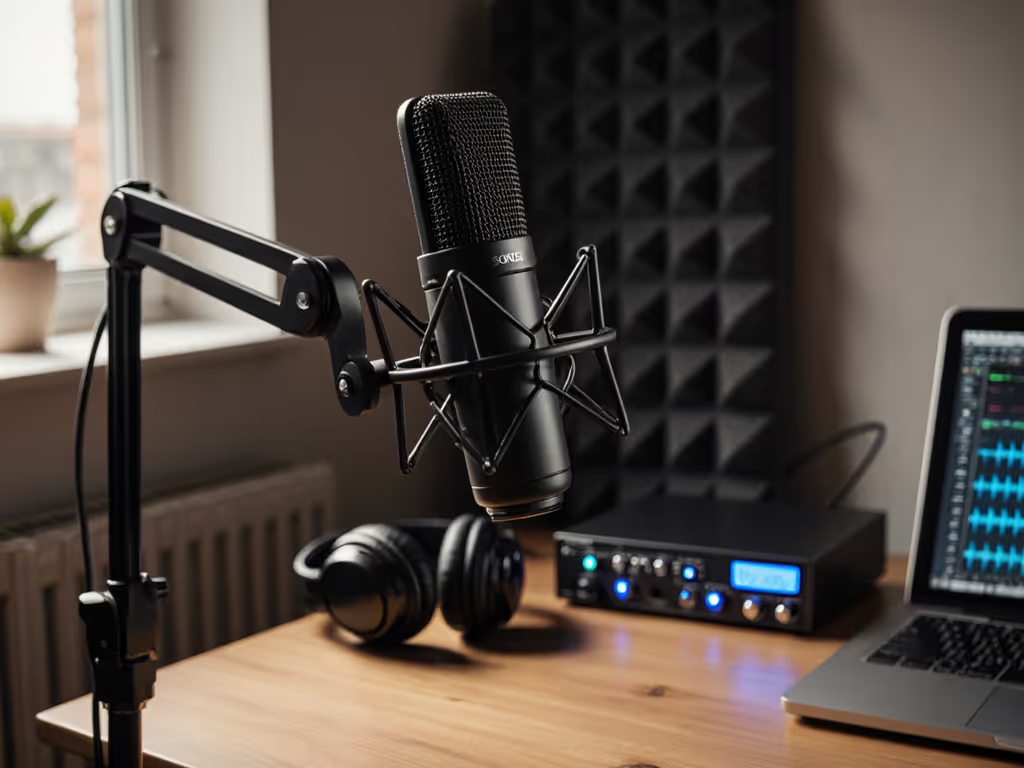
The QuadCast S's shock mount uses elastic suspension to isolate the microphone from physical vibrations. During testing, I deliberately tapped the edge of my desk, first with a standard mic stand, then with the QuadCast S. The difference was night and day. With the shock mount properly installed, even aggressive desk taps registered as faint thuds rather than the "thunder" I referenced in that webinar incident where we swapped mics to solve a noise crisis.
Pro tip: Loosen the shock mount screws slightly for maximum isolation. Most people screw them down too tight, defeating the purpose of the suspension system. This small adjustment reduces handling noise dramatically when you inevitably bump your mic during recording.
Plosive Control: The Real Test
Let's address the "p" word (pun intended). Plosives are the bane of vocal recording, and many condenser mics exacerbate "p" and "b" sounds despite built-in pop filters. The QuadCast S includes a foam pop filter behind its grille, but how effective is it in real-world use?
In my voice tests (which included deliberately emphasizing plosives), the QuadCast S performed respectably, but not perfectly. Strong plosives still registered, though they were significantly tamer than with other condensers I've tested. For "p"-heavy speakers, I still recommend:
- Maintaining that 6-inch off-axis placement
- Speaking slightly across the capsule rather than directly into it
- Using a second, physical pop filter for particularly explosive voices
What impressed me was how forgiving the QuadCast S was with inconsistent mic technique. Unlike some sensitive condensers that punish minor positioning changes, the QuadCast S maintained relatively consistent tone even when I varied my distance by several inches. This "forgiveness" is crucial for creators who can't afford to monitor their mic position during recording.
The Daily Reality: Consistency is King
After three weeks of daily use in my production workflow, the QuadCast S settled into a reliable pattern. The USB-C connection proved stable (no dropouts), and the headphone jack provided zero-latency monitoring, a critical feature for creators who need to hear themselves while recording.
Where the QuadCast S truly shines is in creating zero-post recordings. What do I mean by this? Audio that requires minimal editing or processing before it's broadcast-ready. In my experience, about 80% of my QuadCast S recordings needed only basic gain staging: no aggressive noise reduction, de-essing, or EQ carving. This translates to hours saved in post-production, which is why I emphasize that a mic you don't have to fight produces better performances and faster edits.
Some limitations emerged with extended use:
- The RGB lighting, while fun, serves no audio purpose and can be distracting during focused work
- The included USB-C to USB-A cable is 3 meters (adequate for most setups but restrictive for larger desks)
- The gain knob doesn't go low enough for extremely quiet speakers in some environments
Still, these are minor quibbles in the grand scheme of daily reliability.
Who Should Consider the QuadCast S?
This microphone isn't for everyone. If you're recording in a professionally treated space and need maximum fidelity for music production, you'll want something more specialized. But for the target audience described in our research (creators in untreated rooms who value workflow efficiency), the QuadCast S hits a sweet spot.
It's particularly well-suited for:
- Solo podcasters who need a reliable, consistent USB option
- Streamers who want visual flair without compromising audio quality
- Interviewers who occasionally record with guests (thanks to the multiple polar patterns)
- Creators who frequently deal with desk resonance from keyboard/mouse activity
- Those upgrading from basic podcast setups seeking better noise control
If you've struggled with the Blue Yeti's sensitivity to background noise or inconsistent polar patterns (a common complaint in forums), the QuadCast S offers a more stable alternative with superior build quality and more intuitive controls. For a deeper breakdown, see our Blue Yeti vs newer USB mics comparison.
The Practical Setup Checklist
To maximize your QuadCast S in an untreated space, follow this repeatable positioning process:
- Mount on a sturdy boom arm (avoid desk stands whenever possible)
- Position capsule 6 inches from mouth, slightly off-axis (15-30 degrees)
- Set polar pattern to cardioid unless you have specific multi-person needs
- Point the dead zone of the pattern toward your primary noise source
- Loosen shock mount screws slightly for maximum vibration isolation
- Set gain to around 12 o'clock and adjust based on your speaking volume
- Use tap-to-mute to avoid software glitches during recording
This checklist eliminates the most common friction points I see in creator workflows. When implemented properly, it reduces your retake risk by addressing noise issues at the source rather than trying to fix them in post.
The Verdict: Less Fighting, More Creating
The HyperX QuadCast S isn't the most technically impressive microphone on the market, but it excels where it matters most for everyday creators: it minimizes the noise fights that derail recording sessions. Its thoughtful design addresses real-world problems like desk resonance, handling noise, and inconsistent plosive control: issues that smaller creators face daily but that most reviews ignore.
In a market saturated with "studio quality" claims that only hold up in perfect environments, the QuadCast S stands out by acknowledging the reality of recording in less-than-ideal spaces. It won't transform a noisy room into Abbey Road, but it will help you capture cleaner audio with less frustration and fewer retakes.
For creators working with basic podcast setups in untreated rooms, the QuadCast S represents a smart investment that pays dividends in reduced editing time and more confident performances. It embodies my core philosophy: when your hardware works with you instead of against you, you spend less time fixing problems and more time creating.
Remember, you're not just buying a microphone. You're buying fewer headaches, fewer retakes, and more time to focus on what really matters: your content.
Your Actionable Next Step
Don't overthink your mic choice. Today, unbox your microphone and run this simple test:
- Set up your mic with the anti-vibration shock mount properly installed
- Record 30 seconds of normal speech in your regular recording position
- Tap your desk firmly three times during the recording
- Listen back specifically for handling noise and plosive distortion
If you hear significant desk resonance or harsh plosives, adjust your setup using the practical checklist above. Small tweaks to your mic placement and configuration can dramatically reduce the noise issues that waste your time in post-production.
When you optimize your setup around real-world noise challenges instead of chasing perfect specs, you'll find yourself saying the words every creator dreams of: Touch nothing, sound great.
Related Articles