Low-Bandwidth Podcast Setup: Mic Choices That Prevent Zoom Dropouts
By Mei-Lin Zhou • 2nd Dec
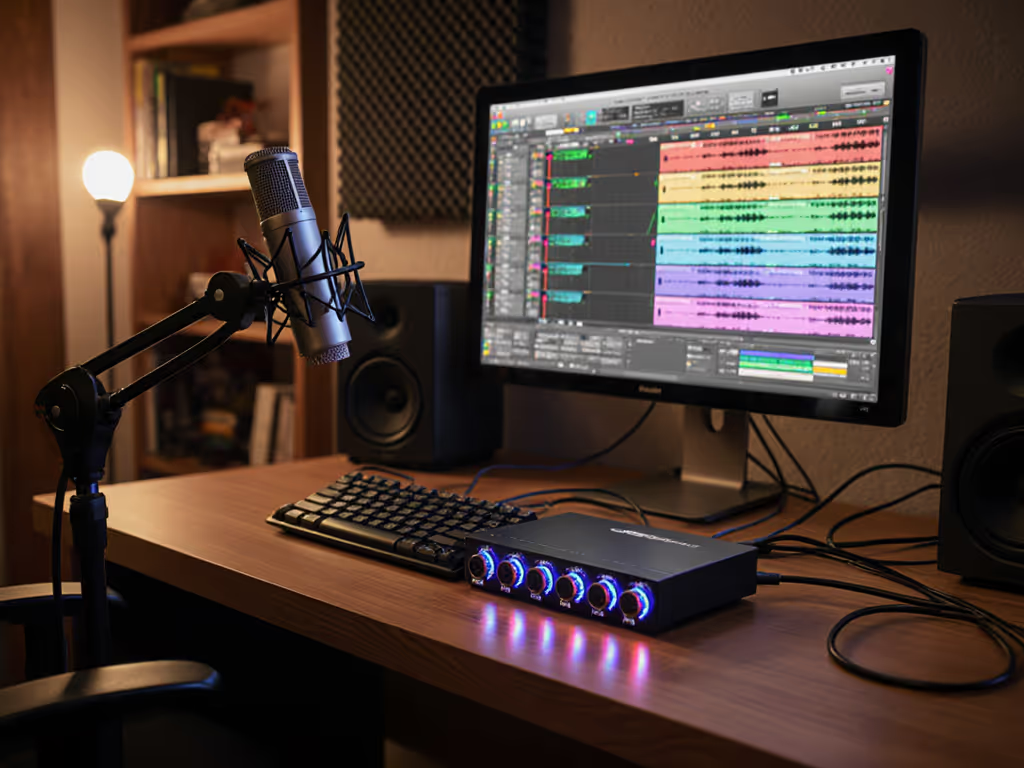
Let's cut through the noise: your podcast recording setup isn't failing because of your internet speed. It's failing because your microphone creates problems that drain bandwidth. When handling noise, plosives, or desk resonance forces you to stop recording mid-interview to fix audio, that's when you lose connection stability. The right low bandwidth microphone isn't about specs; it's a mic that captures clean audio on the first take, minimizing post-production and live-stream hiccups. I've seen hollow desks turn taps into thunder on live webinars. Swap to a forgiving dynamic mic, dampen vibrations, and suddenly your Zoom audio quality stays stable because you're not battling noise mid-call.
Why "Bandwidth" Isn't the Real Culprit
Most creators blame spotty connections when audio glitches during interviews. Truth? Poor microphone choices generate the very issues that strain your bandwidth:
- Noise reduction artifacts: Background hum or desk thumps force you to apply aggressive noise reduction in post. This distorts speech, increasing file size and causing stuttery playback on low-bandwidth streams.
- Retakes and editing: Each retake adds minutes to upload times. Every plosive or mouse click you fix manually eats bandwidth during exports.
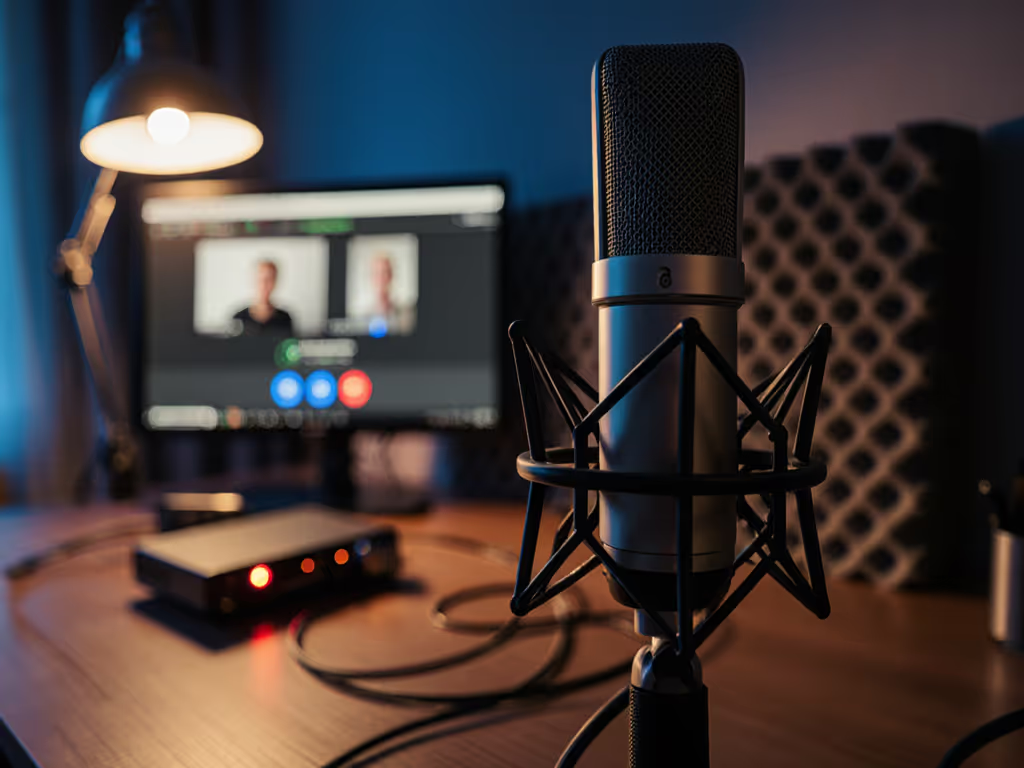
- Guest audio chaos: Remote interview setups often pair a pro mic with a guest's laptop mic. The mismatched audio requires real-time compression, tripping up Zoom's pipeline.
A low bandwidth microphone isn't a mythical gadget, it's a setup that prevents audio fires. When your mic rejects room noise by design, you use less bandwidth fixing issues that shouldn't exist. Quiet hardware makes your voice the loudest thing in the room.
Step 1: Choose Your Weapon (Spoiler: Dynamics Win)
For untreated rooms and fragile connections, skip the shiny condensers. They exaggerate every keyboard tap and HVAC drone, forcing you into noise-reduction rabbit holes. Instead:
- Prioritize dynamic mics with tight polar patterns: Hypercardioid/supercardioid patterns reject sound from the sides/rear, critical for desks near windows or shared walls.
- Embrace lower sensitivity: Dynamics (like the Shure SM58 or MAONO PD400X) need more vocal proximity but ignore distant noise. No more breaths translating to whooshes or mouse clicks becoming gunshots.
- Verify plosive control: A mic with a built-in pop filter (e.g., Audio-Technica AT2040) avoids the "p-p-p" explosions that trigger Zoom's audio limiter, causing cutoffs.
Late-night editing sessions vanish when your mic chain nips noise in the bud. Zero-post audio isn't a dream, it's physics.
Step 2: Kill Desk Resonance (The Silent Bandwidth Killer)
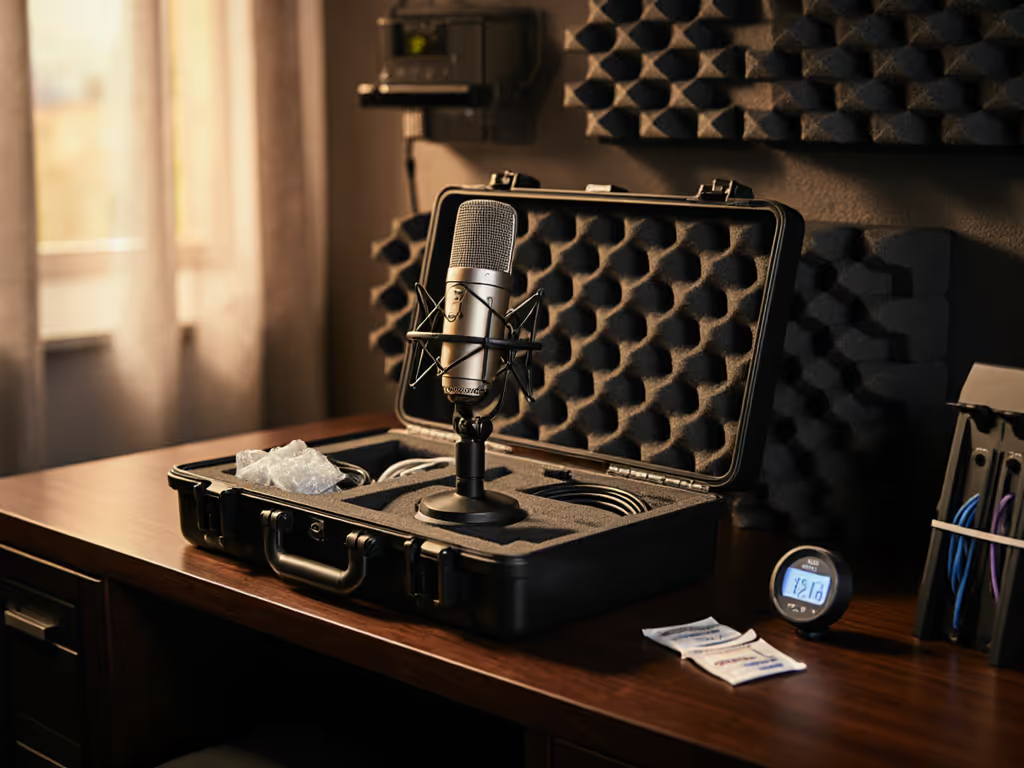
That hollow IKEA desk? It's a resonator. Every finger tap becomes a low-end thump that Zoom struggles to transmit cleanly. A damped boom arm, shock mount, and pop filter setup are outlined in our podcast mic accessories guide. Follow this desk-resonance checklist:
- Use a boom arm with damping: Rubberized gimbals (like the Rode PSA1) absorb vibrations. Never mount mics directly to desks.
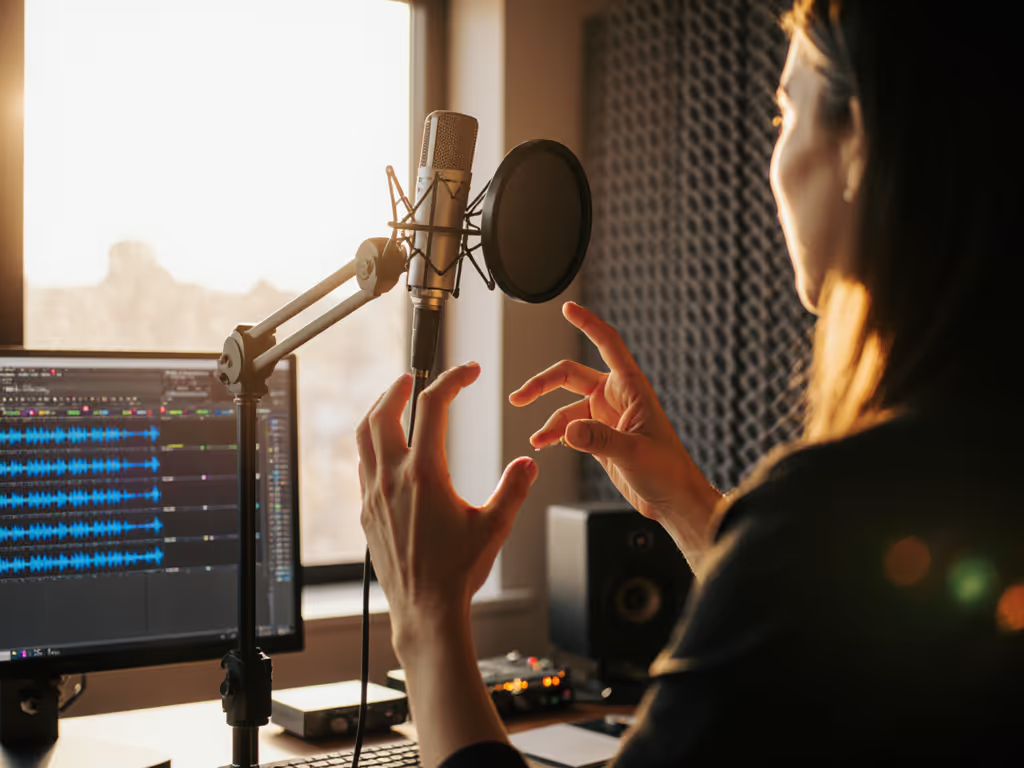
- Place the mic off-axis: Angle dynamic mics 15-30° off-center. This reduces plosive impact and desk-thump pickup since most noise enters broadside.
- Test by tapping your desk: Record while gently rapping your knuckles nearby. If it's audible, add a neoprene desk pad under your keyboard/mouse.
During a team offsite, I watched a developer's mouse clicks trigger Zoom's "audio unstable" warning. We reclamped his mic on a damped arm, set it 5 inches off-axis, and the problem vanished. No driver tweaks. No bandwidth increases. Just make the desk disappear.
Step 3: Optimize Remote Guest Setups (Without Breaking Their Bank)
Guests on shaky connections often default to laptop mics, a death sentence for stable connection audio. To prevent clipping and low-level noise on any platform, use our gain staging checklist. Instead:
- Pre-ship simplified kits: Send a dynamic mic (e.g., Shure MV51) with a foam desk stand. No arms, no pop filters. Emphasize placement: "Sit 4 fingers below the mic, speaking slightly past it."
- Kill USB latency: For USB mics, disable all software monitoring. Use direct headphone output from the interface/mic. Latency causes echo in Zoom, straining bandwidth.
- Set gain staging rules: "Turn the gain knob until your loudest word hits -12dB. No louder." Prevents clipping that Zoom's algo struggles to compress.
Step 4: The 2-Minute Bandwidth Test
Before going live, run this:
- Noise floor check: Record 10 seconds of silence. Zoom's audio meter shouldn't jump with HVAC kicks or chair squeaks.
- Plosive stress test: Say "Peter Piper picked a peck" into the mic. No "p" spikes should clip.
- Off-axis verification: Tap your desk while recording. Volume should stay flat.
If any test fails, switch to a dynamic mic. See our best dynamic mics for noisy rooms for reliable options that handle real-world spaces. Not later. Now. Retake risk isn't just about quality, it's bandwidth suicide when you're patching audio live.
Why This Works for Real Rooms (Not Labs)
I've optimized setups in Tokyo apartments with thin walls and Berlin co-working spaces buzzing with espresso machines. What matters isn't frequency response charts, it's whether your mic ignores the world beyond your voice. Learn how polar patterns reduce background noise to pick the right directional mic for your room. Dynamics with strong rejection:
- Cut handling noise from accidental bumps
- Minimize plosive control hassles (no second-guessing pop filter angles)
- Deliver consistent output across voices (no more guest volume mismatches)
When your podcast recording setup requires no corrective processing, your Zoom streams stay stable. Period. You're not saving Mbps, you're saving time spent troubleshooting audio when bandwidth is tight.
Take Action Today (No Gear Required)
Before buying new hardware, implement this:
- Reposition your existing mic 6 inches off-axis, 3 inches off-center.
- Place a laptop case under your keyboard to dampen desk resonance.
- Set gain so plosives hit -18dB, not -6dB.
Do this now, then test-run a Zoom call. Notice fewer audio glitches? That's bandwidth preserved. For true low bandwidth microphone reliability, prioritize dynamics with physical noise rejection over specs. Your guests won't hear the difference, but your connection will.
Make the desk disappear. Let your voice own the bandwidth.
Related Articles