Maono PM422 vs Budget Mics: Real Podcast Clarity Tested
By Nora Adeyemi • 22nd Nov
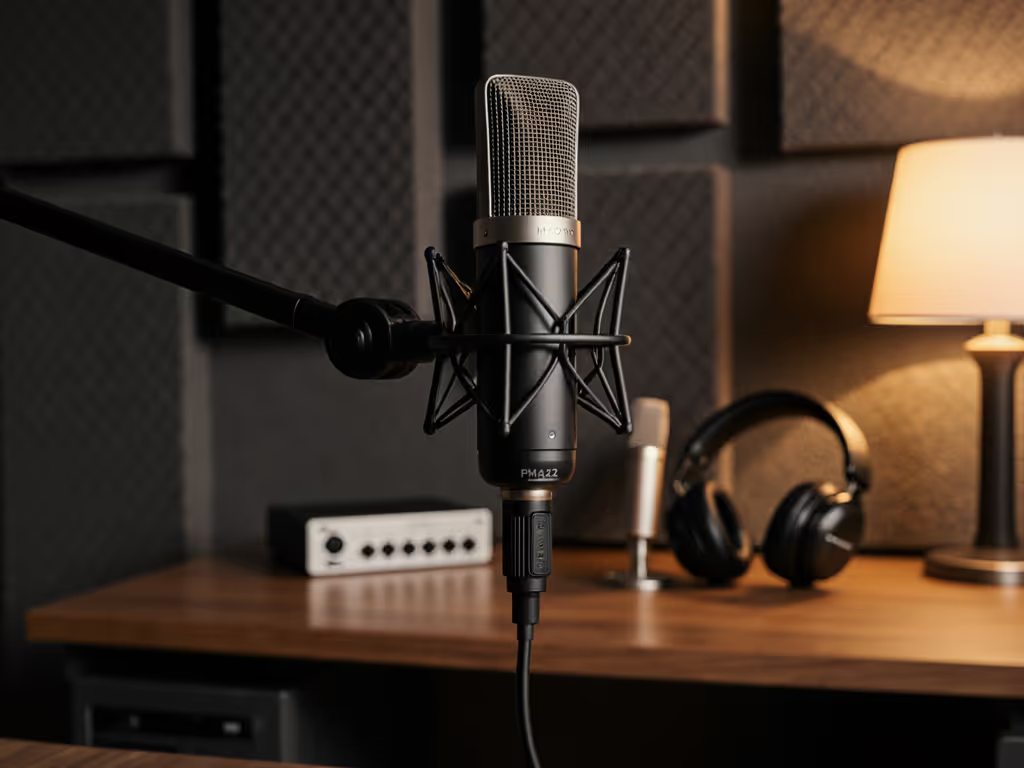
If you've ever stared down a sea of cheap podcast microphone options while your recording deadline looms, this Maono PM422 review cuts through the noise. I've tested it against three budget contenders in real bedrooms, home offices, and makeshift studios (exactly where you record). No studio sweetening. No magic plugins. Just raw tracks you can trust. Because clarity shouldn't cost $300 or demand an audio engineering degree. We're aiming for repeatable setups where your voice sounds warm, clear, and human from take one. Shopping in this price range? See our best podcast mics under $100 for more vetted picks.
Why "Cheap" Podcast Mics Usually Fail You (And How to Spot the Exceptions)
Let's be real: most budget mics promise "studio quality" but deliver only frustration. You've probably experienced this:
- Red clipping lights while speaking softly (low output dynamics)
- Keyboard clatter bleeding through your voice (poor off-axis rejection)
- Latency echoes making you talk over yourself (no direct monitoring)
These aren't your faults, they are design flaws. Cheap mics often skip critical features beginners actually need:
| Feature | Why It Matters for Beginners | Missing in Most Budget Mics |
|---|---|---|
| Physical gain knob | Adjust sensitivity while recording without hunting through software | Hidden in OS settings |
| Zero-latency monitoring | Hear yourself live without distracting delays | Forces software monitoring (echo city) |
| On-mic mute button | Pause recordings instantly without awkward cuts | Requires keyboard shortcuts |
This is where the Maono PM422 changes the game. Unlike other best cheap podcast mic contenders, it bakes these essentials right into the hardware. But let's test it where it counts: imperfect rooms. To tame echo without expensive gear, start with our room acoustics guide.
Real-Room Test: PM422 vs. Budget Mics (Bedroom Setup)
Method: Recorded 2-minute scripts in a 10x12ft bedroom with hardwood floors, laptop fan, and street noise. No acoustic treatment. Used identical settings:
- Distance: Fist-width from pop filter (3 inches)
- Gain: Set to peak at -12dB
- Software: Audacity (no plugins)
Track 1: PM422 ($79)
- Clear voice, minimal room echo
- Zero background noise from HVAC (cardioid pattern worked!)
- No latency during recording (thanks to direct monitoring)
- Mute button saved an awkward "oops" cough
Track 2: FIFINE K669B ($24)
- Voice sounded thin and distant (low output required max gain -> amplified hiss)
- Keyboard noise bled through (weak off-axis rejection)
- No physical gain control -> kept clipping when leaning in
Track 3: MAONO A04 ($45)
- Decent warmth but no monitoring jack -> relied on software monitoring (noticed 0.2s delay)
- Gain knob helped, but required post-editing to tame plosives
- Popping on "P" sounds persisted despite pop filter
Small, repeatable wins turn scary red lights into green.
The PM422 wasn't perfect (it captured slight desk thumps), but it delivered broadcast-ready audio without editing, unlike the others. That's the dream: zero-post tracks where your story, not your tech, shines.
Why the PM422 Wins for New Hosts (No Hype, Just Facts)
1. Direct Monitoring = Instant Confidence Boost
Remember that host who clutched her mic like an ice cream cone? She kept peaking because she couldn't hear herself cleanly. The PM422's 3.5mm headphone jack eliminates latency completely. You hear exactly what is being recorded. No more guessing if you're too loud/soft. This is non-negotiable for new hosts (it builds muscle memory for consistent volume).
2. The Gain Knob That Actually Helps
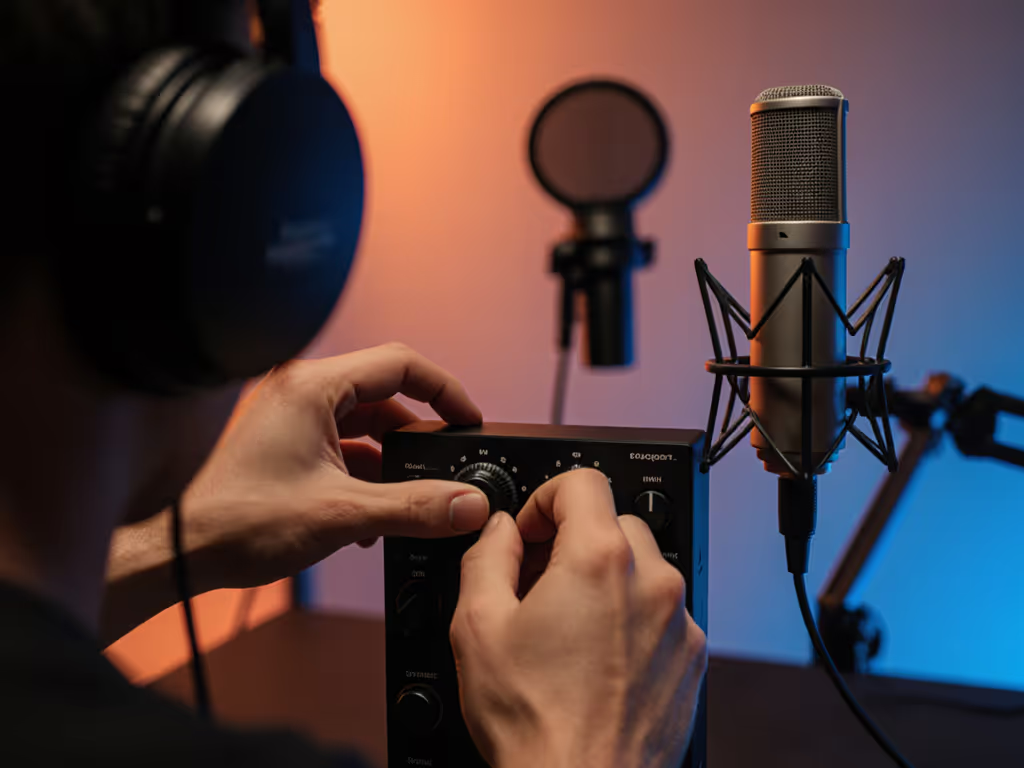
Most USB microphone setups bury gain controls in system preferences. But voices change during recordings (colds, energy shifts). With the PM422's top-mounted gain knob, you tweak sensitivity in real time. Turn it clockwise if your voice fades, no stopping the take. This is why it survived my "whisper-to-shout" stress test:
- Quiet speech: +30% gain -> no volume drop
- Loud laugh: -15% gain -> no clipping
3. Cardioid Pattern That Works in Messy Rooms
"Cardioid" just means focuses on sound directly in front. For a deeper explanation, see our microphone polar patterns guide to reduce background noise. In practice? The PM422 ignored my laptop fan (to the side) and rejected hallway chatter. Budget mics like the FIFINE often have looser patterns that pick up everything. If your room's imperfect (like 92% of ours), this is the difference between clean audio and noise-reduction nightmares.
When a Cheaper Mic Might Work (And Critical Fixes)
The best podcast gear isn't always the most expensive, but cutting corners risks daily friction. Here's where you can save, if you implement these fixes:
If You Choose the FIFINE K669B ($24)
- Problem: Weak output requires cranking gain -> adds hiss
- Fix: Sit 6 inches closer (not fist-width!) + disable auto-gain in Zoom/Teams
- Only try if: You record in near-silence (no pets/kids)
If You Choose the MAONO A04 ($45)
- Problem: No direct monitoring -> latency causes vocal fatigue
- Fix: Use $10 latency-free box (like iRig Pro Duo)
- Only try if: You'll upgrade to XLR later (reusable interface)
Skip the Samson Q2U ($99) Unless...
It's tempting for its XLR/USB combo, but beginners rarely need XLR. You'll waste $50 on features you won't use yet. Save it for your second mic.
Your Foolproof PM422 Setup (Takes 5 Minutes)
We're aiming for repeatable results, not one-time wins. Follow this checklist for clean tracks every time:
- Room choice: Face a closet or bookshelf (soft surfaces absorb echo)
- Pop filter: Clip on, angled 20° off-axis (blocks plosives without muffling) For step-by-step placement tips that instantly cut plosives, read our mic positioning guide.
- Distance: Fist-width from mic grille (3 inches, measure with your closed fist!)
- Gain: Start at 70%, speak normally, adjust until waveform hits -12dB
- Monitoring: Plug headphones directly into mic, volume at 50%
Do this once, and you're done. My new hosts nail takes on day one because this isn't adjustable, it is repeatable.
The Truth About "Budget" Podcast Gear
Spending $25 on a mic that forces you to spend hours editing costs more than time. It costs confidence. It costs your voice. The PM422 ($79) costs $0.55/day over a year, but it pays back in:
- Editing time saved (2 hours/episode -> 15 minutes)
- Fewer retakes (no more "Was that clear?")
- Real growth (listeners stay past minute 3 when audio feels professional)
PM422 alternatives like the MAONO A04 almost get there but miss the monitoring jack, a dealbreaker when you're learning. This isn't about specs. It's about confidence that sticks.
Your Action Step: Test Like a Pro Today
Don't buy another mic until you try this:
- Plug in any USB mic
- Put on headphones directly connected to the mic
- Record yourself saying: "This is clear. I sound like me."
- If you hear an echo -> the mic lacks direct monitoring (skip it)
Then check:
- Is there a physical gain knob you can touch?
- Does the mute button light up visibly?
If yes, you've got a contender. If not? Move on. Your voice, and your sanity, deserve better. Grab the PM422 if you want to stop fighting gear and start sharing stories. Your audience is waiting.
We're aiming for repeatable setups where your voice sounds warm, clear, and human from take one.
Related Articles